
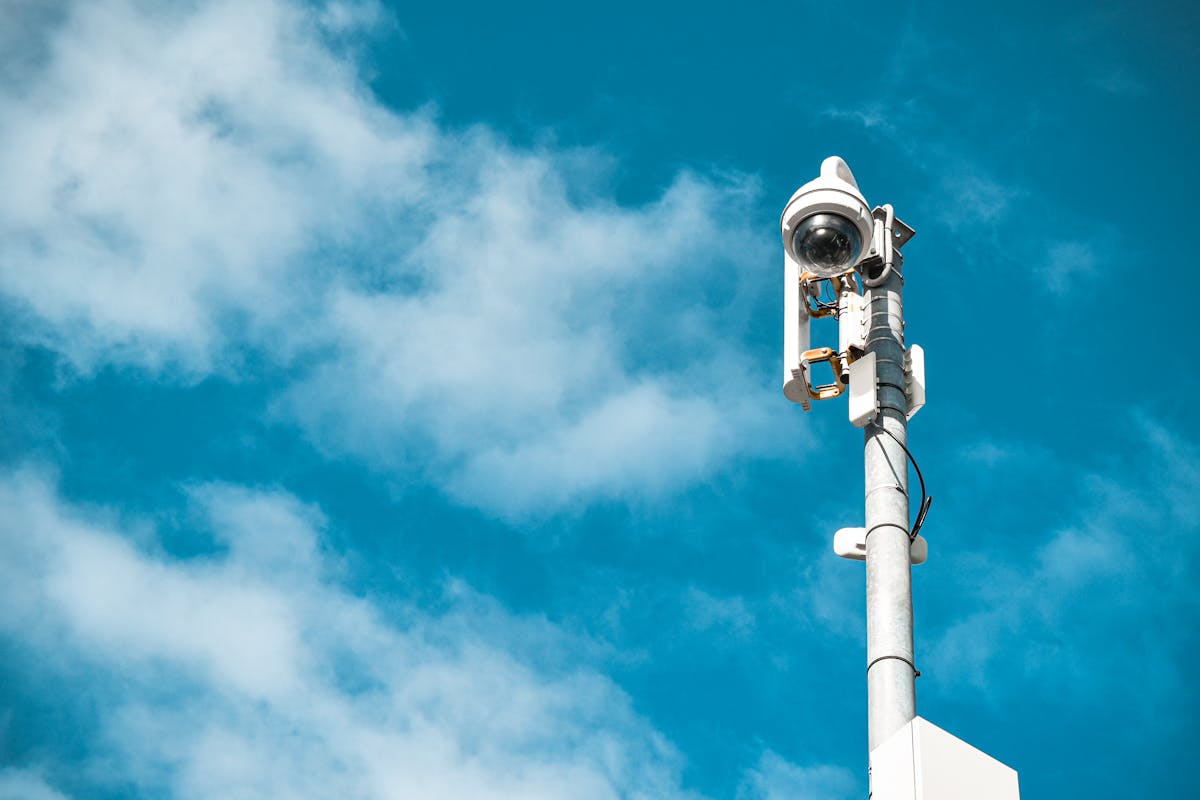

Commercial video surveillance systems protect assets, deter crime, provide evidence for investigations, and create a safer environment for employees and customers. A comprehensive commercial system involves strategic camera placement, professional-grade recording hardware, robust cabling or wireless infrastructure, advanced software features, and ongoing monitoring and maintenance. Designing and installing such a system requires expertise that goes beyond residential setups, as commercial properties present unique challenges like large open spaces, multiple entry points, varying lighting conditions, and regulatory compliance requirements.
Why Commercial Surveillance Matters
Asset Protection
Cameras document theft, inventory shrinkage, and tampering, protecting your business from internal and external threats.
Evidence and Investigations
High-quality footage provides clear evidence for law enforcement, insurance claims, and internal investigations, often resulting in faster resolution and recovery.
Employee and Customer Safety
Visible cameras deter aggressive behavior, and recorded evidence protects your business in disputes or liability claims.
Regulatory Compliance
Some industries (banking, healthcare, hospitality) require surveillance systems for compliance with legal and insurance mandates.
Business Intelligence
Cameras can document customer traffic patterns, employee performance, and operational efficiency — insights valuable for management decisions.
Key Elements of a Commercial System
Cameras
Commercial systems typically use:
- IP (Internet Protocol) cameras — Standard for modern systems; offer better resolution, remote access, and integration capabilities.
- PoE (Power over Ethernet) cameras — Simplify installation by combining power and data into a single cable.
- Varifocal lenses — Allow on-site focus adjustment without replacing the camera.
- Wide Dynamic Range (WDR) — Captures detail in mixed lighting (bright windows and dark corners simultaneously).
- Low light or infrared (IR) cameras — Essential for dark areas, parking lots, and night surveillance.
Recording Hardware
Commercial systems use:
- Network Video Recorders (NVR) — For IP camera systems; often more reliable and scalable than DVRs.
- Storage solutions — Hard drives or NAS (Network Attached Storage) units with redundancy (RAID) to prevent data loss.
- Backup systems — Cloud storage or offsite backup for critical footage.
Cabling and Network Infrastructure
Commercial installations typically involve:
- Category 6 (Cat6) cabling — Standard for PoE cameras; supports high bandwidth and long runs.
- Proper cable management — Well-organized conduits and pathways for easy maintenance.
- Network switches — Managed switches with VLAN support for security segmentation.
- Wireless backup — Mesh or failover networks for redundancy in critical areas.
Software and Access Control
Modern systems include:
- Central management software — Unified interface for viewing, recording, and managing multiple cameras and recorders.
- Mobile apps — Remote access for management and security personnel.
- Integration with access control — Linking cameras with door locks, alarms, and badge readers for comprehensive security.
- Advanced analytics — AI-powered motion detection, person/vehicle detection, and behavioral analysis.
- Audit trails — Logs of who accessed footage and when, for compliance.
Design Process
Step 1: Site Assessment
A professional assessment involves:
- Walk-through — Documenting entry points, exits, blind spots, lighting, and high-value areas.
- Threat analysis — Identifying specific risks (shoplifting, vandalism, break-ins, workplace incidents).
- Coverage mapping — Sketching camera placements to maximize coverage with minimal blind spots.
- Technical evaluation — Assessing network infrastructure, power availability, and environmental conditions (temperature, humidity).
Step 2: System Design
Based on the assessment, the designer specifies:
- Camera types and quantity — Based on coverage needs and resolution requirements.
- Recording hardware — NVR size, storage capacity, and redundancy features.
- Cabling strategy — PoE vs. separate power, conduit routing, cable gauge.
- Software and analytics — Cameras with AI detection, integration requirements, mobile access.
- Compliance features — Audit trails, encryption, access controls required by regulations.
Step 3: Cost Estimation
A typical commercial system cost breakdown:
- Hardware (cameras, NVR, storage) — 50–60% of total cost
- Cabling and infrastructure — 15–20% of total cost
- Labor (design and installation) — 25–35% of total cost
- Software licenses and cloud services — 5–10% of total cost (ongoing)
Step 4: Installation Planning
The installer schedules:
- Pre-installation coordination — Minimizing disruption to business operations.
- Equipment staging — Ensuring all materials are on-site and ready.
- Crew allocation — Assigning electricians, network technicians, and system integrators as needed.
Installation Phases
Phase 1: Cabling and Infrastructure (1–3 days)
This phase involves:
- Running Cat6 cable through conduits to each camera location.
- Installing power for analog cameras (if used) or PoE injectors.
- Setting up network switches and ensuring proper connectivity.
- Testing all cable runs for continuity and performance.
Phase 2: Camera Installation (1–2 days)
This phase includes:
- Physically mounting cameras at planned locations (walls, ceilings, poles).
- Connecting cameras to network via PoE or separately powered cables.
- Focusing and adjusting camera angles for optimal coverage.
- Testing each camera’s video feed and audio (if applicable).
Phase 3: Recording Hardware and Network Setup (1 day)
This phase covers:
- Installing the NVR in a secure, climate-controlled location.
- Connecting storage drives and configuring RAID for redundancy.
- Integrating the NVR with the network.
- Configuring remote access and cloud backup.
Phase 4: Software Configuration and Testing (1 day)
This phase includes:
- Configuring camera names, groups, and recording schedules.
- Setting up motion detection zones and sensitivity levels.
- Configuring user accounts and access permissions.
- Testing mobile app access and remote viewing.
- Running full-system tests to ensure all components work together.
Phase 5: Training and Handoff (0.5–1 day)
This final phase involves:
- Training staff on viewing live feeds and retrieving recordings.
- Explaining system maintenance (backups, storage management, firmware updates).
- Providing documentation, passwords, and support contact information.
- Scheduling follow-up support and maintenance checks.
Typical Commercial System Configurations
Small Business (4–6 Cameras)
Typical Cost: ₪8,000–₪15,000
- 4–6 fixed or varifocal 2MP cameras
- 4-channel NVR with 2–4 TB storage
- Cat6 cabling and basic network setup
- Mobile app access and 30-day retention
- Installation Time: 2–3 days
Medium Business (8–16 Cameras)
Typical Cost: ₪15,000–₪40,000
- 8–16 mixed cameras (fixed, varifocal, PTZ)
- 16-channel NVR with 8–16 TB storage and RAID redundancy
- Managed network switch and PoE infrastructure
- Advanced motion detection and AI analytics
- Cloud backup and 60–90 day retention
- Installation Time: 3–5 days
Large Enterprise (16+ Cameras)
Typical Cost: ₪40,000–₪150,000+
- 16+ cameras with mixed types (fixed, varifocal, PTZ, thermal)
- Multi-unit NVR setup or dedicated storage with 32+ TB
- Redundant network infrastructure with failover
- AI-powered detection, analytics, and integration with security systems
- Cloud backup, audit trails, and extended retention (6–12 months)
- Installation Time: 1–2+ weeks depending on complexity
Compliance and Legal Considerations
- Privacy laws — Ensure cameras don’t record bathrooms, changing rooms, or private areas. Post notices in areas with cameras.
- Industry regulations — Some sectors (banking, healthcare, hospitality) have specific surveillance requirements.
- Employee notification — Many jurisdictions require informing employees they may be recorded.
- Data protection — Use encryption and access controls to protect recorded footage and comply with data protection regulations.
- Retention policies — Document how long footage is kept and ensure it complies with legal and insurance requirements.
Ongoing Maintenance and Support
After installation, ongoing care ensures system reliability:
- Regular inspections — Check camera angles, cleanliness, and functionality monthly.
- Firmware updates — Keep cameras, NVR, and management software current with security patches.
- Storage management — Monitor hard drive health and replace aging drives before failure.
- Network monitoring — Ensure cameras have reliable connectivity and bandwidth.
- Cloud backup testing — Periodically verify that cloud backups are working correctly.
- User access reviews — Periodically audit who has access to footage and update permissions as needed.
Conclusion
A well-designed commercial surveillance system is an investment in safety, security, and operational intelligence. Professional design ensures optimal coverage, reliable hardware, scalable infrastructure, and compliance with regulations. Whether protecting a small shop, a corporate office, or a large facility, working with experienced security professionals ensures your system meets current needs and can grow with your business. The cost of a professional system is typically justified by improved security, faster incident resolution, and valuable business insights.