
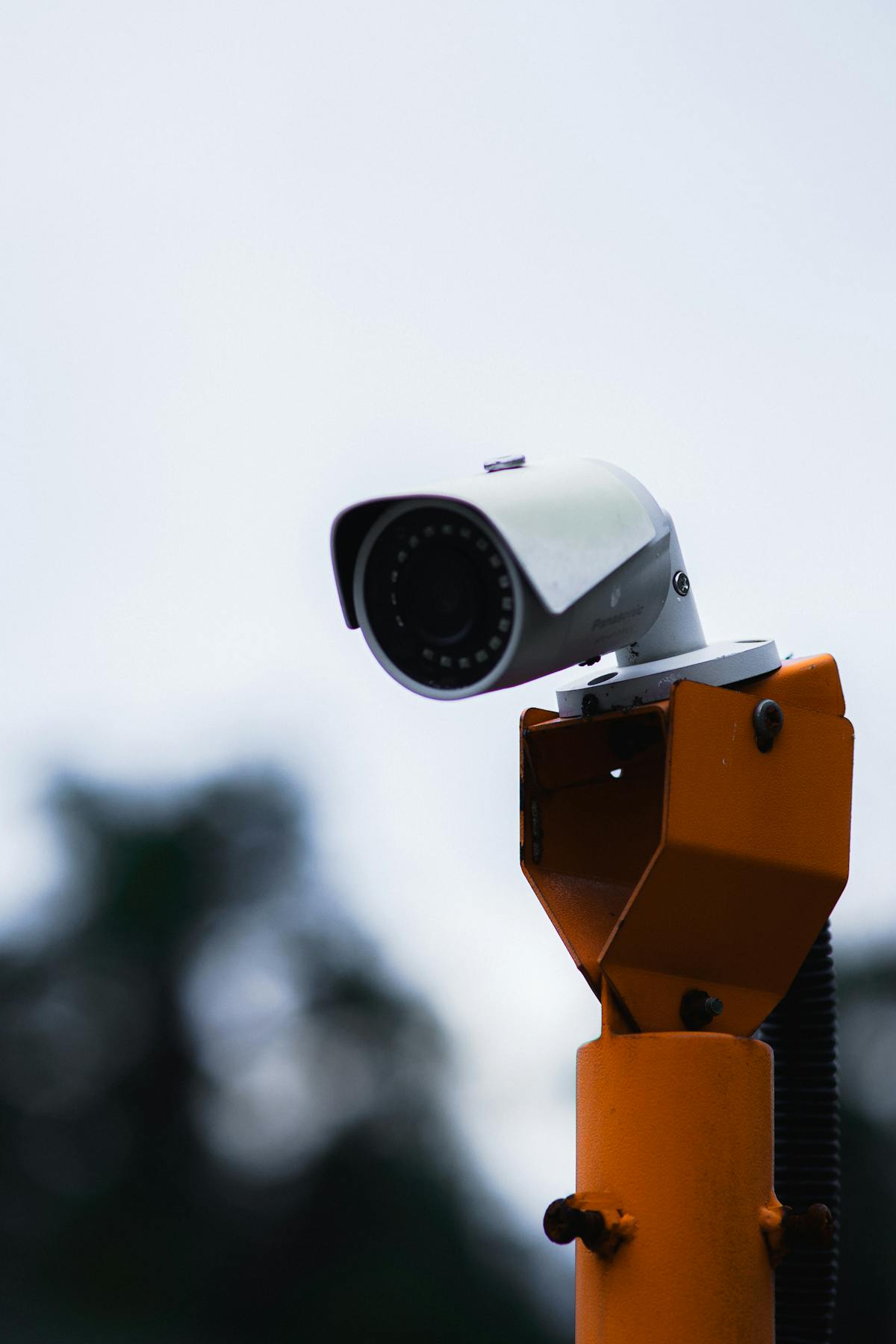

Security camera installation costs between $150 and $500 per camera when professionally installed, putting total system prices at $800–$2,500 for a typical home and $2,000–$15,000+ for a commercial property. That per-camera figure includes the camera unit itself ($50–$300), mounting hardware ($10–$30), cabling ($20–$80 per run), and installation labor ($75–$150 per camera). The final number depends on seven primary variables: camera count, resolution tier, wired vs. wireless design, installation difficulty, property size, storage configuration, and whether existing cabling can be reused. Residential systems with 4–8 cameras land in the $800–$2,500 range most often, while mid-size commercial projects with 8–16 cameras typically run $3,000–$8,000. After installation, ongoing costs for cloud storage, professional monitoring, and annual maintenance add $30–$200+ per month depending on the service level. This page breaks down every cost component — per camera, per system, and per month — so you can budget accurately before requesting a quote.
Average Security Camera Installation Cost in 2025
The average cost of professional security camera installation in 2025 ranges from $150 to $500 per camera (including labor), with total system costs between $800 and $2,500 for residential and $2,000 to $15,000+ for commercial properties. These figures represent fully installed pricing — camera hardware, mounting, cabling, recorder setup, and configuration included.
| System Type | Camera Count | Total Cost Range | Average Per Camera |
|---|---|---|---|
| Basic Home | 2–4 | $400–$1,200 | $150–$300 |
| Standard Home | 4–8 | $800–$2,500 | $200–$350 |
| Premium Home | 8–12+ | $2,500–$5,000+ | $250–$450 |
| Small Business | 4–8 | $1,500–$4,000 | $250–$500 |
| Medium Business | 8–16 | $3,000–$8,000 | $250–$500 |
| Large Commercial | 16–64+ | $8,000–$25,000+ | $300–$500+ |
Basic home systems at the low end use 1080p cameras with a 4-channel NVR and short cable runs. Premium home and commercial installations push costs higher due to 4K cameras, longer cable runs requiring conduit, PoE switches, larger NVRs with multiple hard drives, and more complex mounting requirements (high walls, pole mounts, or lift-accessible ceilings).
The single largest variable in total cost is camera count. Adding one camera to an existing system typically costs $150–$400 when cabling infrastructure is already in place, compared to $250–$500+ when new cable runs are required.
Cost Breakdown Per Camera — Labor, Equipment, and Materials
Each camera costs $150–$500 fully installed. That figure breaks into four components: the camera unit, mounting hardware, cabling, and labor. Understanding each line item helps you identify where costs can be reduced and where cutting corners creates problems.
| Cost Component | Low Estimate | Mid Estimate | High Estimate |
|---|---|---|---|
| Camera Unit | $50 | $150 | $300+ |
| Mounting Hardware | $10 | $20 | $30+ |
| Cabling (per run) | $20 | $50 | $80+ |
| Installation Labor | $75 | $100 | $150+ |
| Total Per Camera | $155 | $320 | $560+ |
Camera Unit Cost by Type and Resolution
Camera unit pricing depends primarily on form factor, image resolution, and manufacturer tier. Professional-grade cameras from Hikvision, Dahua, Axis, and Hanwha cost more than consumer brands but deliver superior image quality, longer warranties, and better integration with commercial-grade NVRs.
| Camera Type | 1080p (2MP) | 2K (4MP) | 4K (8MP) |
|---|---|---|---|
| Turret | $50–$80 | $80–$130 | $130–$220 |
| Dome | $60–$100 | $90–$150 | $150–$250 |
| Bullet | $60–$100 | $90–$160 | $140–$260 |
| PTZ | $200–$350 | $300–$500 | $500–$1,200+ |
Turret cameras offer the best value for most residential and small commercial installations. PTZ cameras cost significantly more due to their motorized pan-tilt-zoom mechanisms and are typically reserved for large parking lots, warehouses, and facilities requiring active operator monitoring.
Mounting Hardware and Supplies
Mounting hardware costs $10–$30 per camera. Standard installations use a junction box ($5–$10), mounting screws and anchors ($2–$5), weatherproof connectors ($3–$5), and silicone sealant for exterior penetrations ($3–$5). Specialty mounts — pole mounts, corner mounts, or parapet adapters — add $15–$40 per camera. High-ceiling installations requiring scissor lifts or boom lifts add $150–$400 per day in equipment rental costs, which are typically distributed across all cameras installed that day.
Cabling Costs (Ethernet vs Coaxial vs Wireless)
Cabling costs vary dramatically based on cable type, run length, and routing difficulty.
- Cat5e/Cat6 (PoE) — $0.15–$0.40 per foot for cable, with average residential runs of 75–150 feet per camera. Total cabling cost per camera: $20–$60 for residential, $30–$100+ for commercial with longer runs. Cat6 is recommended for 4K cameras and future-proofing.
- Coaxial (RG59) — $0.10–$0.25 per foot. Lower cable cost but requires separate power runs, which adds labor. Primarily used when connecting to existing DVR-based systems.
- Wireless — $0 in cabling cost, but cameras still require a power source (outlet or low-voltage wire) and reliable Wi-Fi coverage. Additional Wi-Fi access points ($50–$150 each) may be needed for properties with weak signal in camera locations.
Running cable through finished walls and ceilings costs more than running through unfinished spaces. Expect an additional $30–$75 per camera in labor when installers must fish cable through insulated walls, drill through fire blocks, or route through attic spaces with limited access.
Installation Labor Rates by Region
Installation labor costs $75–$150 per camera, or $50–$100 per hour depending on the market. Regional differences are significant:
- Major metro areas (New York, Los Angeles, San Francisco) — $85–$150 per hour
- Mid-size cities (Phoenix, Nashville, Charlotte) — $65–$100 per hour
- Smaller markets and rural areas — $50–$85 per hour
Most residential installations take 4–8 hours for a 4–8 camera system. Commercial installations with 16+ cameras, conduit runs, and network infrastructure build-out typically require 2–5 days of labor.
Factors That Affect Your Total Installation Cost
Your total cost depends on seven primary factors. Understanding these variables helps you anticipate pricing during the quoting process and make informed decisions about where to invest vs. where to save.
Number of Cameras
Camera count is the single largest cost driver. Each additional camera adds $150–$500 to the project depending on equipment selection and installation complexity. However, per-camera cost typically decreases as the total count increases because fixed costs (NVR, network switch, mobilization, system configuration) are spread across more units.
- 2–4 cameras: highest per-camera cost ($200–$500 each)
- 4–8 cameras: moderate per-camera cost ($175–$350 each)
- 8–16+ cameras: lowest per-camera cost ($150–$300 each)
A professional site assessment determines the optimal camera count for your property based on entry points, sightlines, and coverage gaps.
Camera Quality and Resolution (1080p vs 4K)
Resolution determines both image clarity and cost. 1080p cameras cost 30–50% less than 4K models, but 4K cameras capture facial features and license plates at greater distances — a critical difference for identification purposes.
- 1080p (2MP) — Adequate for monitoring general activity within 30 feet. Cost: $50–$100 per unit.
- 2K/4MP — Strong balance of image quality and storage efficiency. Cost: $80–$160 per unit.
- 4K (8MP) — Highest detail for facial recognition and license plate capture at 50+ feet. Cost: $130–$300 per unit.
Higher resolution cameras also require more storage capacity and network bandwidth, which adds to NVR and hard drive costs. A 4K system typically needs 2–3x the storage of a 1080p system at equivalent retention periods.
Wired (PoE) vs Wireless Installation
PoE (wired) installations cost more upfront but deliver superior reliability and image quality. Wireless installations cost less in labor and materials but introduce signal reliability concerns. For a full feature-by-feature breakdown, see our wired vs wireless security camera comparison.
- PoE installation — $200–$500 per camera installed. Cable runs account for the cost difference. No signal dropout issues.
- Wireless installation — $150–$350 per camera installed. Lower labor cost but requires strong, consistent Wi-Fi coverage at every camera location.
Wired systems are recommended for permanent installations, properties with more than 4 cameras, and any location where reliable 24/7 recording is essential. Wireless cameras are better suited for rental properties, temporary installations, or locations where running cable is physically impractical.
Installation Difficulty (Single-Story vs Multi-Story, New Build vs Retrofit)
Property construction and layout directly impact labor hours and material costs.
- Single-story home, accessible attic — Easiest installation. Cable runs through attic space with minimal wall fishing. Labor: 30–45 minutes per camera.
- Two-story home — Moderate difficulty. Cable runs may require vertical fishing between floors. Labor: 45–75 minutes per camera.
- Three-story or complex layout — High difficulty. Extended cable runs, potential conduit requirements, and lift access. Labor: 60–90+ minutes per camera.
- New construction (pre-wire) — Lowest cost scenario. Cable is run before drywall, eliminating wall fishing entirely. Pre-wire cost: $75–$150 per camera drop.
- Retrofit (existing building) — Standard scenario for most installations. Requires routing cable through finished walls, ceilings, and exterior penetrations. Higher labor cost.
Property Size and Cable Run Length
Larger properties require longer cable runs, more cable, and more labor hours per camera. PoE cable (Cat5e/Cat6) has a maximum run length of 328 feet (100 meters). Properties with camera locations exceeding that distance require PoE extenders ($30–$80 each) or additional network switches ($50–$200).
Average cable run lengths:
- Apartment/condo — 25–75 feet per camera
- Standard single-family home — 50–150 feet per camera
- Large home or estate — 100–300+ feet per camera
- Commercial property — 75–500+ feet per camera
NVR/DVR and Storage Requirements
NVR cost scales with channel count and hard drive capacity.
| NVR Size | Supports | Cost Range |
|---|---|---|
| 4-Channel | Up to 4 cameras | $100–$200 |
| 8-Channel | Up to 8 cameras | $150–$350 |
| 16-Channel | Up to 16 cameras | $250–$600 |
| 32-Channel | Up to 32 cameras | $400–$1,200 |
Surveillance-rated hard drives (Western Digital Purple, Seagate SkyHawk) add $50–$80 per terabyte. Most residential systems need 2–4TB; commercial systems with 16+ cameras often require 8–16TB across multiple drives.
Installers typically recommend purchasing an NVR with more channels than your current camera count to accommodate future expansion — an 8-channel unit for a 4–6 camera installation, for example.
Using Existing Cabling vs New Runs
Properties with pre-existing cabling infrastructure can save $500–$2,000+ on a new installation. Existing Cat5e/Cat6 runs from a previous IP camera system can typically be reused directly. Existing coaxial cable can support HD-over-coax cameras (TVI, CVI, AHD) at up to 5MP resolution, avoiding the cost of new cable entirely.
A qualified installer will test existing cabling for continuity, signal integrity, and proper termination before confirming reuse. Damaged or substandard cable should be replaced rather than reused — the cost of troubleshooting intermittent connection issues after installation exceeds the cost of running new cable upfront.
Residential vs Commercial Installation Cost Comparison
Residential and commercial installations differ in equipment grade, labor complexity, regulatory requirements, and ongoing service costs. Commercial projects cost more per camera due to higher-grade hardware, conduit requirements, and IT network integration.
| Cost Factor | Residential | Commercial |
|---|---|---|
| Average Per Camera (installed) | $150–$350 | $250–$500+ |
| Typical Camera Count | 4–8 | 8–64+ |
| NVR/Recorder | $100–$350 | $300–$2,000+ |
| Cabling Method | Fished through walls/attic | Conduit, cable tray, plenum-rated |
| Typical Project Total | $800–$2,500 | $2,000–$15,000+ |
| Installation Timeline | 4–8 hours | 1–5+ days |
| Permits Required | Rarely | Often (low-voltage permit) |
| Warranty (labor) | 1 year typical | 1–3 years typical |
Business security camera installation projects often include additional line items not found in residential quotes: network switch upgrades, VLAN configuration for camera traffic isolation, conduit and cable tray installation per building code, fire-rated penetrations, and integration with access control or alarm systems.
Ongoing Costs After Installation
After installation, expect ongoing costs for cloud storage ($0–$30/month), professional monitoring ($30–$100/month), maintenance ($200–$500/year), and equipment replacement (every 5–10 years). Factoring these recurring costs into your budget prevents surprises and helps you choose the right service tier from the start.
| Ongoing Cost | Residential Range | Commercial Range | Notes |
|---|---|---|---|
| Cloud Storage | $0–$20/mo | $20–$100/mo | Not required if using local NVR recording only |
| Professional Monitoring | $30–$60/mo | $50–$200/mo | Live monitoring center watches feeds and dispatches response |
| Annual Maintenance | $0–$300/yr | $500–$2,000/yr | Cleaning, firmware updates, alignment checks, HDD health |
| Internet Bandwidth | $0–$20/mo | $0–$50/mo | Only applies if remote viewing or cloud features require an upgrade |
| Equipment Replacement | Every 5–10 years | Every 5–7 years | Cameras, HDDs, and NVRs have finite lifespans |
Local-only recording with self-monitoring (no cloud, no monitoring service) eliminates monthly fees entirely. Many homeowners choose this approach and upgrade to professional monitoring later if needed. Hard drives should be replaced every 3–5 years as a preventive measure — surveillance-rated drives are engineered for continuous write cycles but still degrade over time.
How to Reduce Your Installation Costs
Installation cost can be reduced by 15–40% through smart planning decisions that don’t compromise system reliability or coverage quality. The following strategies lower cost without cutting corners on the components that matter.
Reuse Existing Cabling and Infrastructure
Existing Cat5e, Cat6, or coaxial cable from a previous camera system or structured wiring installation can be reused if it passes continuity and performance testing. Reusing cable eliminates $20–$80 in cabling cost per camera and significantly reduces labor time. Even coaxial cable from an old analog system can support modern HD-over-coax cameras at up to 5MP resolution, avoiding the expense of an entirely new cable infrastructure.
Choose Wireless for Simple Installations
Wireless cameras eliminate cabling labor entirely, reducing per-camera installation cost by $30–$80. This approach works well for 2–4 camera residential setups in areas with strong Wi-Fi coverage. The trade-off is reduced reliability compared to wired PoE — wireless should be considered a cost-saving measure for non-critical applications rather than a permanent substitute for hardwired systems.
Start with Fewer Cameras and Expand Later
Installing a system with expansion capacity — for example, an 8-channel NVR with 4 cameras initially — lets you spread the investment over time. The NVR and infrastructure are the fixed costs; adding cameras later is relatively inexpensive ($150–$350 per camera) if cable runs were planned during the initial install. Ask your installer to pre-run cable to future camera locations during the first visit, when attic and wall access is already set up.
Bundle Cameras with NVR Purchase
Camera and NVR bundles from the same manufacturer often cost 10–20% less than purchasing components separately. A typical 8-camera bundle (8 turret cameras + 8-channel NVR + 2TB hard drive) retails for $500–$900, compared to $700–$1,200+ when components are bought individually. Most professional installers offer bundle pricing as part of their standard quotes.
Ask About Insurance Discount Offset
Many homeowners insurance and commercial property insurance policies offer premium discounts of 5–20% for properties with professionally installed surveillance systems. Some insurers require a certificate of installation or proof of continuous monitoring. Over 3–5 years, these insurance savings can offset a meaningful portion of the installation cost. Request documentation from your installer that meets your insurer’s requirements.
Get a Free, Itemized Security Camera Installation Quote
Every property has unique requirements that affect final pricing — camera count, resolution, mounting locations, cable routing, and storage needs all vary. The most accurate way to determine your installation cost is a free on-site assessment, where a licensed technician surveys your property and provides an itemized quote covering equipment, labor, materials, and any optional services.
A thorough quote should include:
- Camera model, quantity, and unit cost
- NVR model and hard drive capacity
- Cabling type, estimated run lengths, and material cost
- Labor cost (hourly or per-camera)
- Any additional equipment (PoE switches, mounts, conduit)
- Warranty terms for labor and equipment
- Optional ongoing services (monitoring, maintenance plans)
Request your free security camera installation quote today — no obligation, no pressure, and no hidden fees.
Is Professional Installation Worth It Compared to DIY?
Professional installation costs more upfront but delivers measurably better results in camera placement accuracy, system reliability, and long-term performance. DIY installation saves $500–$1,500 in labor costs on a typical 4–8 camera system, but introduces risks: suboptimal camera angles that create blind spots, improper weatherproofing that leads to premature failure, and configuration errors that compromise recording reliability.
Professional installers bring three advantages that are difficult to replicate in a DIY setup: experience with hundreds of properties that informs optimal camera placement, commercial-grade tools for clean cable routing through finished construction, and system configuration expertise that ensures reliable 24/7 recording and remote access.
For a detailed analysis of when DIY makes sense and when professional installation is the better investment, see our complete comparison of professional vs DIY installation cost. If you are considering the installation process itself, our step-by-step installation guide walks through what professional installers do at each phase.
Security Camera Installation Costs by City
Installation costs vary significantly by metropolitan area due to differences in labor rates, cost of living, permitting requirements, and local market competition. A system that costs $1,500 in a mid-size Southern city may cost $2,200–$2,800 in a major coastal metro for identical equipment and camera count.
We publish detailed, city-specific cost guides for the markets we serve. Each guide includes local labor rates, typical project costs, and provider comparisons:
- Security camera installation in Houston, TX — Texas’s largest metro market
- Security camera installation in Dallas, TX — North Texas pricing and providers
- Security camera installation in Phoenix, AZ — Arizona’s primary market
Local pricing data is the most accurate way to benchmark quotes from installers in your market. Regional cost differences of 25–50% are common, and understanding your local range helps you identify fair pricing vs. inflated quotes.
All pricing data reflects 2025 market rates based on industry surveys, manufacturer suggested retail pricing, and aggregated project data from professional installation providers. Actual costs vary by location, property conditions, and equipment selection. Request a site-specific quote for accurate pricing.