
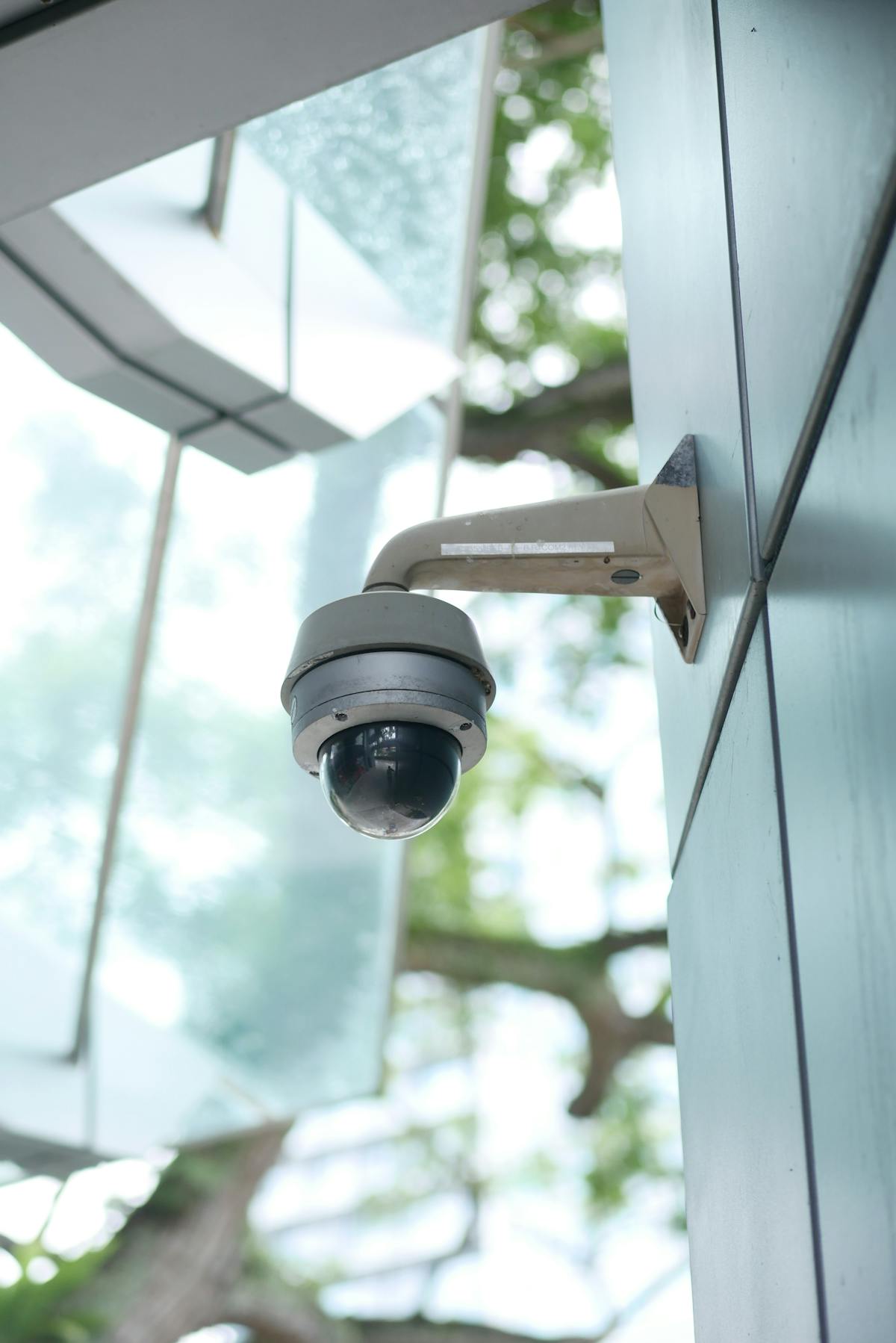

Indoor security camera installation places surveillance cameras inside homes and businesses to monitor hallways, entry foyers, common areas, cash registers, inventory rooms, and other interior spaces — with most installations costing $100–$300 per camera due to shorter cable runs and no weatherproofing requirements. Professional installers evaluate each room’s layout, lighting conditions, and monitoring purpose before selecting camera types and mount positions. Indoor cameras serve a wide range of use cases from nanny monitoring and pet watching to retail loss prevention and workplace incident documentation. Privacy laws governing indoor recording vary by state, particularly around audio capture and placement in areas where occupants have a reasonable expectation of privacy, making professional guidance essential for compliant installation.
What Is Indoor Security Camera Installation?
Indoor security camera installation is the process of mounting and configuring surveillance cameras inside a residential or commercial building to monitor interior spaces. A professional installer surveys the interior layout, identifies rooms and zones requiring monitoring, selects camera types for each location, and mounts each unit at an optimal height and angle. The process includes running low-voltage cabling to a central recorder or configuring Wi-Fi connectivity for wireless models, setting up remote viewing through a smartphone app, and calibrating motion detection zones. Indoor installations are faster and less expensive than outdoor projects because cameras do not require weatherproof housings, extended cable runs, or high-elevation mounting. Most residential indoor installations take 1–3 hours, while commercial spaces with 8–16 cameras may require a full day.
Common Reasons for Indoor Camera Installation
Indoor cameras address specific monitoring needs that exterior cameras cannot cover. The most common reasons homeowners and business owners invest in interior surveillance fall into five categories.
Monitoring Nannies, Caregivers, and Household Staff
Nanny cameras are among the most popular residential indoor installations in the United States. Parents use interior cameras to observe how a caregiver interacts with their children during the workday. Two-way audio allows a parent to listen in and communicate directly through the camera’s speaker. Most states permit video recording inside your own home without the caregiver’s consent, though audio recording laws vary — a distinction covered in detail below.
- Live smartphone access lets parents check in from work at any time
- Person-detection alerts notify homeowners when someone enters a specific room
- Recorded footage provides documentation in the event of a dispute or concern
Watching Over Pets While Away
Pet monitoring cameras allow owners to observe their animals throughout the day. Two-way audio lets owners speak to a pet to provide reassurance or correct behavior. Some camera models include treat dispensers or bark detection features designed specifically for pet owners. Placement in the main living area or near the pet’s crate captures the most useful footage.
Retail Shrinkage and Employee Theft Prevention
Retail shrinkage — inventory loss from theft, fraud, and administrative error — costs U.S. retailers an estimated $112 billion annually according to the National Retail Federation’s 2023 National Retail Security Survey. Indoor cameras positioned at cash registers, stockrooms, and high-value merchandise displays are the primary tool for identifying both shoplifting and internal employee theft. POS-integrated camera systems overlay transaction data on video footage, matching register activity to recorded video frame by frame.
- Cameras at the POS station capture every transaction and cash drawer opening
- Stockroom cameras document inventory handling and receiving procedures
- Recorded footage supports internal investigations and law enforcement reports
Documenting Workplace Incidents
Indoor cameras in offices, warehouses, and manufacturing facilities document workplace incidents including accidents, harassment allegations, and safety violations. Employers use recorded footage to verify workers’ compensation claims, resolve disputes between employees, and demonstrate compliance with OSHA safety requirements. Camera footage provides an objective record that protects both the employer and the employee when an incident occurs.
Monitoring Children and Elderly Family Members
Indoor cameras installed in a family home allow parents to monitor children arriving home from school and elderly family members living independently or with in-home assistance. Activity zone alerts notify a caregiver when an elderly person enters the kitchen, leaves a specific room, or has not moved for an extended period. Two-way audio enables direct communication without requiring the family member to answer a phone.
- Activity zone monitoring tracks movement patterns throughout the day
- Night-vision capability maintains monitoring in low-light conditions
- Cloud-recorded footage can be shared with medical providers when relevant
Best Indoor Camera Types
Indoor cameras are available in several form factors, each designed for specific environments and monitoring objectives. For a broader comparison of all camera styles, see our guide on types of security cameras explained.
| Camera Type | Best Indoor Use | Key Feature |
|---|---|---|
| Mini Dome | Offices, retail ceilings | Discreet profile with wide-angle lens (110–130 degrees) |
| Cube / Desktop | Homes, small rooms | Two-way audio, Wi-Fi connectivity, plug-and-play setup |
| Covert / Hidden | Loss prevention, nanny monitoring | Concealed in everyday objects (clocks, smoke detectors) |
| PTZ | Large retail floors, warehouses | Pan-tilt-zoom allows a single camera to cover a wide area |
Mini dome cameras are the most common choice for commercial interiors because their low-profile design mounts flush against a ceiling tile. Cube and desktop cameras dominate the residential market because they sit on a shelf or countertop and connect over Wi-Fi with no mounting hardware. Covert cameras are legal in most jurisdictions for video-only recording in areas you own or control, though audio recording adds legal complexity. PTZ cameras are the most versatile option for large open spaces, allowing an operator or automated preset to track movement across a wide floor area.
Indoor Camera Placement Strategy
Camera placement determines how much of the interior is covered and how useful the recorded footage will be. The five highest-priority indoor locations apply across both residential and commercial properties.
Entry Foyers and Front Door Interior View
The front entry foyer is the single most valuable indoor camera position. An interior-facing camera at the front door captures every person who enters the building, providing a clear facial image under controlled indoor lighting. This camera complements any exterior home security camera installation, catching detail that outdoor cameras may miss due to glare or wide-angle distortion.
- Mount at 7–8 feet, angled downward to capture faces at entry height
- Position to avoid backlight from windows or glass door panels
Living Room and Common Areas
Living rooms and common areas see the most foot traffic in a residential property. A camera in the main living space captures general household activity, pet movement, and visitor behavior. Placement on a high shelf or in an upper corner of the room provides the widest field of view while keeping the camera out of reach.
Cash Registers and POS Stations
Cash register cameras are essential for any retail business security camera installation. The camera should be positioned to capture both the cashier’s hands and the customer’s face simultaneously. Overhead mounting at a slight angle achieves this dual view. POS integration overlays transaction data on the footage, creating a synchronized record of every sale, return, and void.
Stockrooms and Supply Storage
Stockroom cameras monitor high-value inventory, incoming shipments, and employee access patterns. Mounting a camera to cover the stockroom entrance documents every person who enters and exits. A second camera covering the shelving or storage racks captures handling activity within the room.
Hallways and Stairwells
Hallway cameras create a movement map that shows who traveled where and when. A single camera at the end of a long hallway captures the full length of the corridor. Stairwell cameras are important in multi-story commercial properties where emergency exits and floor transitions require monitoring. Infrared night-vision is essential in stairwells where lighting may be limited.
Privacy Considerations for Indoor Cameras
Indoor cameras are subject to federal and state privacy laws that restrict where cameras can be placed and whether audio can be recorded. Video recording inside your own home or business is broadly legal in all 50 states, with specific exceptions for areas where individuals have a reasonable expectation of privacy.
- Bathrooms and changing areas — Recording in bathrooms, locker rooms, and changing rooms is illegal in every U.S. state, regardless of whether the property owner consents
- Bedrooms — Recording in a bedroom is legal in your own home (for nanny cameras, for example) but may violate privacy laws in rental properties, Airbnbs, or employer-provided housing
- Audio recording — Federal wiretapping law requires at least one-party consent for audio recording, but 11 states require all-party consent, meaning every person being recorded must be aware of and agree to the audio capture
- Employee notification — Many states require employers to notify employees in writing that video surveillance is in use in the workplace
- Signage — Posting visible signage indicating that security cameras are in operation is considered best practice and is legally required in some commercial contexts
A professional installer familiar with local regulations ensures that camera placement and audio settings comply with applicable law.
Indoor Camera Installation Cost
Indoor cameras are typically less expensive to install than outdoor units because cable runs are shorter, weatherproof housings are unnecessary, and mounting surfaces (drywall, ceiling tiles, shelving) are easier to work with. The table below provides general cost ranges for professional indoor camera installation.
| Cost Component | Typical Range | Notes |
|---|---|---|
| Camera hardware (per unit) | $50–$200 | Varies by resolution, brand, and features |
| Installation labor (per camera) | $50–$100 | Indoor labor is lower than outdoor |
| NVR / recording hub | $150–$400 | Supports 4–16 cameras depending on model |
| Cloud storage (monthly) | $3–$10 per camera | Alternative or supplement to local NVR |
| Total per camera (installed) | $100–$300 | Hardware + labor, excluding recorder |
A basic two-camera indoor system for a home typically costs $300–$700 installed, while a 10–16 camera commercial interior system ranges from $1,500 to $4,500 depending on camera resolution, recording infrastructure, and network requirements. For a comprehensive pricing breakdown, see our security camera installation cost guide. A free indoor camera installation quote provides an accurate cost estimate based on the specific property and monitoring objectives.
Get a Free Indoor Camera Installation Quote
Every home and business has a unique interior layout that requires professional evaluation to determine the right camera types, placements, and recording configuration. A site survey identifies blind spots, evaluates lighting and network conditions, and produces a detailed proposal — at no cost or obligation.
Call now or fill out the form below to schedule a free indoor camera installation consultation. A licensed technician will evaluate your interior spaces, recommend camera positions tailored to your monitoring priorities, and provide a complete quote covering equipment, installation, and optional cloud storage or monitoring plans.
Audio Recording Laws and Indoor Cameras
Audio recording adds a significant legal dimension to indoor camera installation that video-only recording does not. Eleven states — including California, Florida, Illinois, and Pennsylvania — enforce all-party consent laws, meaning every person whose voice is captured must be informed and agree to the recording. Violating these laws can result in criminal charges and civil liability. For a complete state-by-state breakdown of audio recording consent requirements and how they apply to indoor security cameras, read the full guide on audio recording laws and security cameras.