
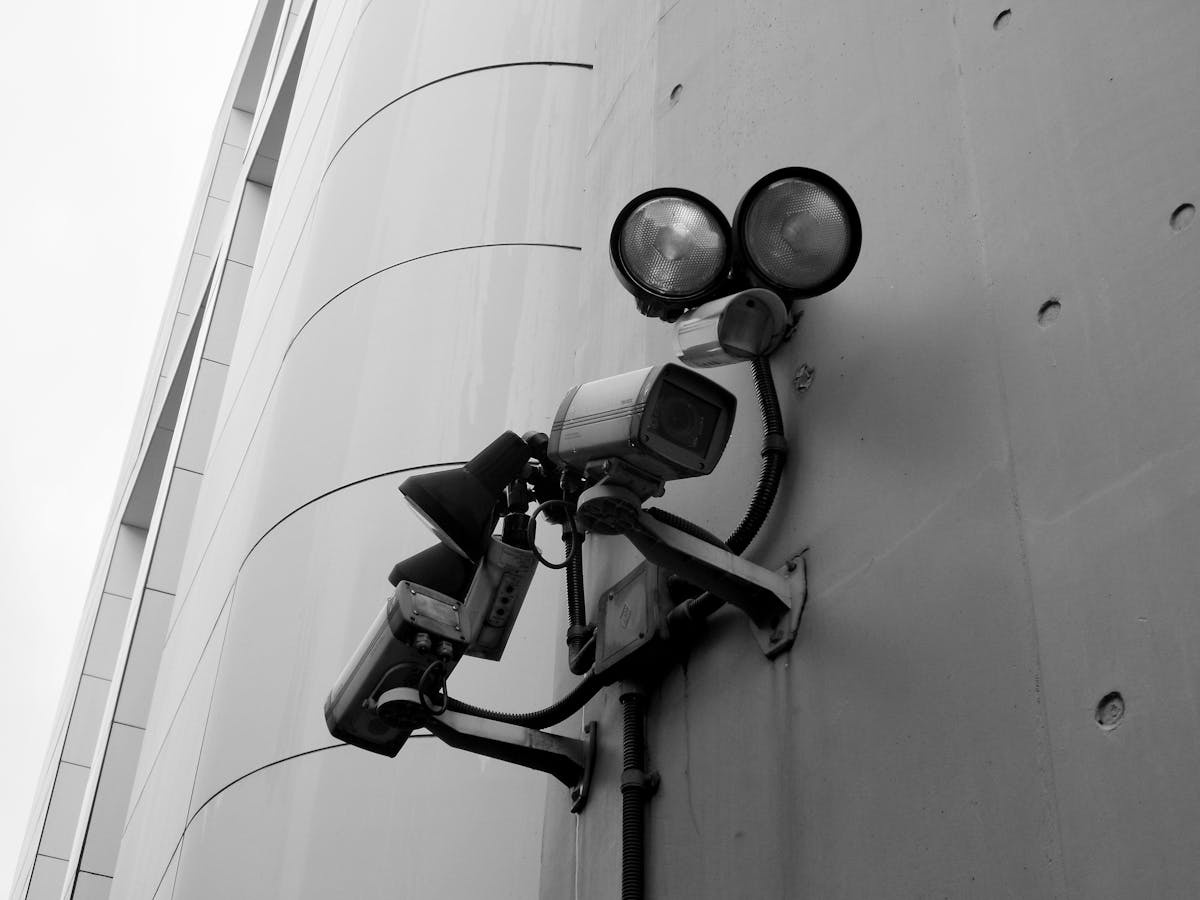

Home security camera installation covers the professional placement of 4–8 surveillance cameras across a residential property’s entry points, perimeter, and interior zones, with most projects costing between $800 and $2,500. Professional installers conduct an in-home site survey, recommend camera types and positions based on the property layout, and configure remote access through a smartphone app on installation day. The highest-priority placements — front door, back door, garage, and driveway — cover the locations where over 80% of residential break-ins occur. Homeowners who install visible security cameras reduce their burglary risk significantly, may qualify for insurance premium discounts of 5–20%, and gain 24/7 monitoring for package deliveries, children, pets, and elderly family members.
What Is Home Security Camera Installation?
Home security camera installation is the professional process of equipping a residential property with surveillance cameras positioned to cover entry points, yards, driveways, and interior spaces. A licensed installer evaluates the home’s layout, identifies vulnerability points, selects the appropriate camera types (dome, bullet, turret, or PTZ), and mounts each unit at optimal height and angle. The process includes running cabling for wired systems or configuring Wi-Fi connectivity for wireless setups, connecting all cameras to a central recorder (NVR or DVR) or cloud platform, and setting up remote viewing on the homeowner’s smartphone. Professional installation typically takes 4–8 hours for an average home with 4–8 cameras.
Why Homeowners Install Security Cameras
Homeowners install security cameras primarily to deter burglary, monitor package deliveries, watch over children and pets, document property damage, and reduce home insurance premiums. Each of these use cases delivers measurable value that justifies the upfront investment in professional installation.
Burglary and Break-In Deterrence
Home security cameras deter burglars before they attempt entry. Research from the University of North Carolina at Charlotte found that approximately 60% of convicted burglars said the presence of a security system or cameras would cause them to seek an alternative target. The FBI’s Uniform Crime Reporting data shows that homes without security systems are up to 300% more likely to be burglarized.
- Homes with visible security cameras experience fewer attempted break-ins
- Recorded footage increases the likelihood of suspect identification and arrest
- Motion-triggered alerts notify homeowners of suspicious activity in real time
- Night-vision and infrared capabilities maintain deterrence after dark
Package Theft and Porch Piracy Prevention
Home security cameras positioned at the front door capture every delivery and visitor interaction. Security.org research found that an estimated 49 million Americans had at least one package stolen in a 12-month period. A front-door camera with two-way audio allows homeowners to communicate with delivery drivers remotely and record evidence of theft when it occurs.
- Video doorbells and porch cameras capture time-stamped delivery footage
- Two-way audio enables remote instructions to couriers
- Motion-triggered recording preserves evidence for police reports and carrier claims
- Visible cameras reduce the likelihood of opportunistic theft
Child, Pet, and Elderly Family Monitoring
Home security cameras installed in interior common areas give parents and caregivers live visibility into daily activity. Indoor cameras allow working parents to check on children arriving home from school, monitor babysitters or nannies, observe pet behavior, and keep watch on elderly family members. Features like two-way audio, person detection, and activity zones make indoor monitoring practical without constant screen time.
- Live streaming to a smartphone provides on-demand check-ins
- Person-detection alerts distinguish between people and pets
- Activity zone settings reduce false alerts from non-critical movement
- Recorded footage helps resolve household incidents or disputes
Insurance Premium Reductions
Home security camera systems can qualify homeowners for insurance discounts ranging from 5% to 20% on annual premiums, depending on the insurer and system type. Professionally monitored systems with 24/7 central station monitoring typically qualify for the largest discounts. Homeowners should contact their insurance provider before installation to confirm which system features qualify.
- Professionally monitored systems earn larger discounts than self-monitored setups
- Some insurers require a certificate of installation from a licensed provider
- Annual savings of $100–$300 are common on standard homeowner policies
- The cumulative discount can offset a significant portion of installation costs over time
Best Camera Placements for a Home
Home security camera placement determines how much of the property is covered and how useful the footage will be. The highest-priority camera positions for any home are the front door, back door, garage or driveway, first-floor windows, and the backyard.
Front Door and Porch
The front door is the single most important camera position on any residential property. FBI burglary data shows that approximately 34% of burglars enter through the front door. A camera or video doorbell mounted at 7–9 feet captures faces, license plates on the street, and package deliveries.
- Mount at a downward angle of 15–30 degrees to capture facial features
- Wide-angle lenses (120–180 degrees) cover the full porch area
- Pair with a smart doorbell for two-way communication
- Ensure night-vision range covers the walkway to the street
Back Door and Side Entrances
Back doors and side entrances are the second most common entry points for burglars, accounting for roughly 22% of break-ins. These areas are often shielded from street view, making them attractive to intruders. Cameras should be positioned high enough to avoid tampering and angled to capture the full door frame and surrounding pathway.
- Side gates and basement entries are frequently overlooked by homeowners
- Motion-activated lighting paired with cameras improves image quality at night
- Weatherproof housings (IP65 or higher) are essential for exposed side entrances
- Wireless cameras simplify installation in areas without existing electrical runs
Garage and Driveway
Garage and driveway cameras protect vehicles, tools, and the most common point of entry for attached-garage break-ins. A driveway camera also captures vehicle license plates and approaching visitors.
- Position the driveway camera to capture license plates at vehicle entry angle
- Mount a second camera inside the garage facing the main door
- Use cameras with HDR (high dynamic range) to handle transitions between sunlight and shadow
- Integrate with smart garage door openers for open/close alerts
Backyard and Fence Line
Backyard cameras monitor pools, play areas, sheds, and the perimeter fence line. For homes with pools, many municipal codes require barrier and monitoring provisions for child safety. Backyard cameras also document trespassing, fence damage, and wildlife activity.
- Cover the full fence line with overlapping fields of view where possible
- PTZ (pan-tilt-zoom) cameras are effective for large backyards
- Use cameras with at least 100 feet of night-vision range for deep yards
- Weatherproof ratings of IP66 or higher protect against rain, snow, and humidity
Interior Common Areas (Optional)
Interior security cameras placed in living rooms, hallways, and stairwells provide an additional layer of documentation. Indoor cameras are most valuable for monitoring babysitters, pet activity, and in-home service workers. Privacy considerations mean interior cameras should never be placed in bedrooms or bathrooms.
- Hallway cameras capture movement between rooms
- Living room cameras provide a wide view of the main gathering space
- Place indoor cameras at 7–8 feet to prevent tampering and maximize field of view
- Enable privacy modes or scheduling to disable recording when family members are home
How Many Cameras Does a Typical Home Need?
A standard single-family home requires 4–8 cameras for full perimeter and entry-point coverage. The exact number depends on the home’s size, number of entry points, yard layout, and the homeowner’s monitoring priorities.
| Home Size | Recommended Cameras | Typical Coverage |
|---|---|---|
| Apartment/Condo | 1–3 | Front door, balcony, interior |
| Small Home (<1,500 sq ft) | 3–5 | Entry points + driveway |
| Medium Home (1,500–3,000 sq ft) | 5–8 | Full perimeter + interior |
| Large Home (3,000+ sq ft) | 8–12+ | Full perimeter + multiple interior zones |
Homes with detached garages, guest houses, or large properties may require additional cameras beyond these ranges. An in-home consultation with a professional installer identifies the exact number needed by walking the property and mapping every blind spot. Over-installing cameras wastes budget, while under-installing leaves exploitable gaps in coverage.
Home Security Camera Installation Process
Home security camera installation follows a four-step process from initial consultation to system activation, typically completed within one to two weeks from first contact.
Step 1 — In-Home Consultation and Site Survey
The installation process begins with a professional site survey of the property. A licensed technician walks the interior and exterior, identifies all entry points, evaluates existing wiring and Wi-Fi coverage, and notes environmental factors like lighting and wall materials. This visit typically lasts 30–60 minutes and results in a written proposal with camera placements mapped to a property diagram.
- The technician assesses Wi-Fi signal strength at each proposed camera location
- Existing wiring from previous alarm or camera systems is evaluated for reuse
- Roof eaves, soffits, and wall materials are checked for mounting feasibility
- The homeowner’s specific monitoring priorities are discussed and documented
Step 2 — Camera Selection and System Design
Camera selection is based on the site survey findings and the homeowner’s budget. The installer recommends specific camera models for each location, factoring in resolution (2K or 4K), field of view, night-vision range, weather resistance, and audio capability. The system design includes the recording method — local NVR, cloud storage, or hybrid — and the network infrastructure required to support the cameras.
- Wired vs wireless security cameras each suit different installation scenarios depending on property construction and aesthetic preferences
- 2K resolution (4MP) is the current standard for residential cameras; 4K (8MP) is recommended for wide-area coverage
- Storage capacity is calculated based on camera count, resolution, and retention period
- The system design document serves as the installation blueprint
Step 3 — Installation Day (What to Expect)
Homeowners scheduling their first project can review our guide on what to expect during installation for a detailed timeline. Installation day for a typical 4–8 camera system takes 4–8 hours. The crew mounts cameras at the positions identified in the site survey, runs cabling through walls or attic spaces for wired systems, connects all cameras to the NVR or cloud gateway, and tests each camera’s field of view and night-vision performance. Homeowners should expect minor drilling into exterior walls or soffits, and small cable runs along trim or through conduit for a clean finish.
- Wired installations require cable routing through walls, attics, or exterior conduit
- Wireless installations require power source access at each camera location
- Each camera is individually aimed, focused, and tested for image quality
- The NVR or recording hub is installed in a secure, ventilated interior location
Step 4 — App Setup, Remote Access, and Training
The final step is configuring the homeowner’s smartphone app and demonstrating all system features. The technician sets up the mobile app, configures motion detection zones and alert schedules, and walks the homeowner through playback, live viewing, and two-way audio. This training session typically takes 20–30 minutes.
- The homeowner receives login credentials for the app and any web portal
- Motion sensitivity and alert zones are fine-tuned to reduce false notifications
- Cloud storage subscriptions are activated if included in the service plan
- A follow-up support contact is provided for questions after installation
Home Security Camera Installation Costs
Professional home camera installation costs between $800 and $2,500 for most properties, with the total depending on camera count, camera type (wired vs. wireless), resolution, and any additional features like cloud storage or professional monitoring. Our complete security camera installation cost guide breaks down every pricing factor in detail.
Cost Breakdown by Number of Cameras
The per-camera cost for professional installation typically includes the camera hardware, mounting hardware, cabling or wireless configuration, and labor. Below is a general cost range based on industry averages.
| Number of Cameras | Estimated Total Cost (Installed) | Per-Camera Average |
|---|---|---|
| 2–3 | $500–$1,200 | $250–$400 |
| 4–6 | $1,000–$2,000 | $250–$350 |
| 7–8 | $1,800–$2,800 | $250–$350 |
| 9–12+ | $2,500–$4,500+ | $275–$375 |
Costs vary by region, camera brand, and the complexity of the installation (single-story vs. multi-story, new construction vs. retrofit). A free home security camera quote provides an accurate estimate based on the specific property.
Wired vs Wireless — Cost Differences for Homes
Wired camera installations cost more upfront due to the labor involved in running cables through walls and conduit. Wireless cameras have lower labor costs but may require investment in Wi-Fi range extenders or mesh network equipment.
| Factor | Wired Installation | Wireless Installation |
|---|---|---|
| Hardware Cost per Camera | $150–$300 | $100–$250 |
| Labor Cost per Camera | $100–$200 | $50–$100 |
| Reliability | Higher (dedicated cable) | Depends on Wi-Fi strength |
| Long-Term Maintenance | Lower | Battery replacement or charging |
| Best For | Permanent installations, large homes | Rentals, smaller homes, retrofits |
Homes that need more detail on this decision should read the full comparison of wired vs wireless security cameras for residential properties.
Additional Costs (Cloud Storage, Monitoring Plans)
Cloud storage and professional monitoring are recurring monthly costs that sit on top of the one-time installation fee. Most camera manufacturers offer tiered cloud storage plans, while third-party monitoring services provide 24/7 central station oversight.
- Cloud storage plans range from $3–$10 per camera per month, or $10–$30 per month for multi-camera plans
- Professional 24/7 monitoring with alarm dispatch runs $20–$50 per month
- Local NVR storage eliminates cloud fees but requires a hard drive purchase ($80–$200 for 1–4 TB)
- Extended warranty plans from installers typically cost $100–$200 per year
- Some insurers require professional monitoring to qualify for the full insurance discount on home security systems
Get a Free Home Security Camera Quote
Home security camera installation is a one-time investment that delivers years of 24/7 property protection and deterrence. Every home has unique coverage requirements based on its layout, entry points, and monitoring priorities.
Call now or fill out the form below to schedule a free in-home security camera consultation. A licensed installer will survey your property, recommend camera placements, and provide a detailed quote covering equipment, installation, and optional monitoring.
Wired vs Wireless Cameras for Homes — Which Is Better?
Wired and wireless security cameras each serve different residential scenarios depending on the home’s construction, budget, and long-term reliability needs. Wired systems deliver consistent, interference-free video but require professional cable routing. Wireless systems install faster with less disruption but rely on strong Wi-Fi coverage and periodic battery maintenance. For a full breakdown of performance, cost, and best-use scenarios, read the complete guide on wired vs wireless security cameras.
Do Home Security Cameras Lower Your Insurance?
Home security cameras can reduce homeowner insurance premiums by 5–20% when the system meets the insurer’s requirements. Professionally monitored systems connected to a central monitoring station with alarm dispatch earn the largest discounts, while self-monitored camera-only setups may qualify for smaller reductions. Annual savings typically range from $100 to $300, offsetting installation costs over time. For qualifying systems, insurer requirements, and how to claim the discount, see the full article on insurance discounts for home security camera systems.